no. 007 · the fleet-scale species
Purchase coverage for a truck fleet
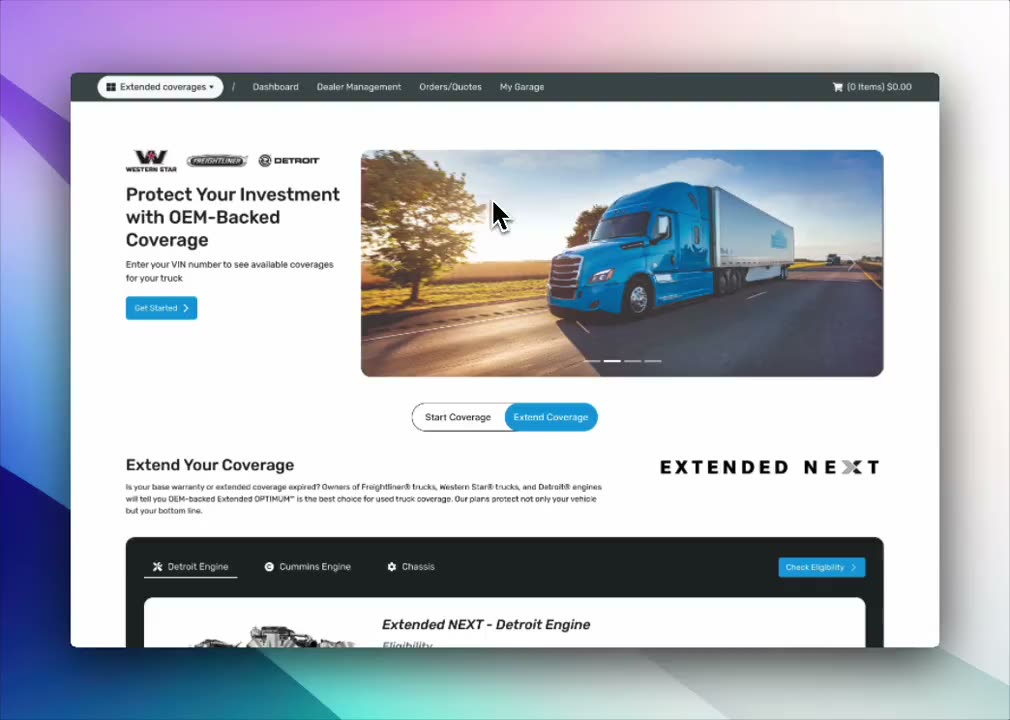
Fleet customers were buying coverage one truck at a time. They already had a list of their trucks, so I built the flow around the list.
stats
- trucks in a typical fleet
- 84
- passes through the flow, now one upload
- 84 → 1
- VINs allowed to drop silently
- 0
moves
- they already have the list
- the rows that don’t match
- where it landed
- a dialog that would have shown up 25 times
field notes
Our fleet customers were buying coverage one truck at a time. If you run 84 trucks, that’s 84 trips through the same six-step flow, and afterwards no way to tell which ones you missed.
They already have the list
I talked to a handful of fleet managers, and the same thing kept coming up: they already have a list of their trucks. It’s in a spreadsheet, a yard-management export, or a PDF a dealer emailed them. Nobody wants to type VINs by hand.
So I stopped asking how to make the flow faster and started asking how to take the list they already had.
Click the box to run it with a sample file
The rows that don’t match
Uploading is the easy part. Most of the design work went into the rows that don’t match:
- A VIN that isn’t in your account. Usually it’s a truck you sold last quarter, sometimes a typo.
- A truck outside its coverage window, which needs a different product.
- Duplicates, because the spreadsheet was merged from two yards.
Where it landed
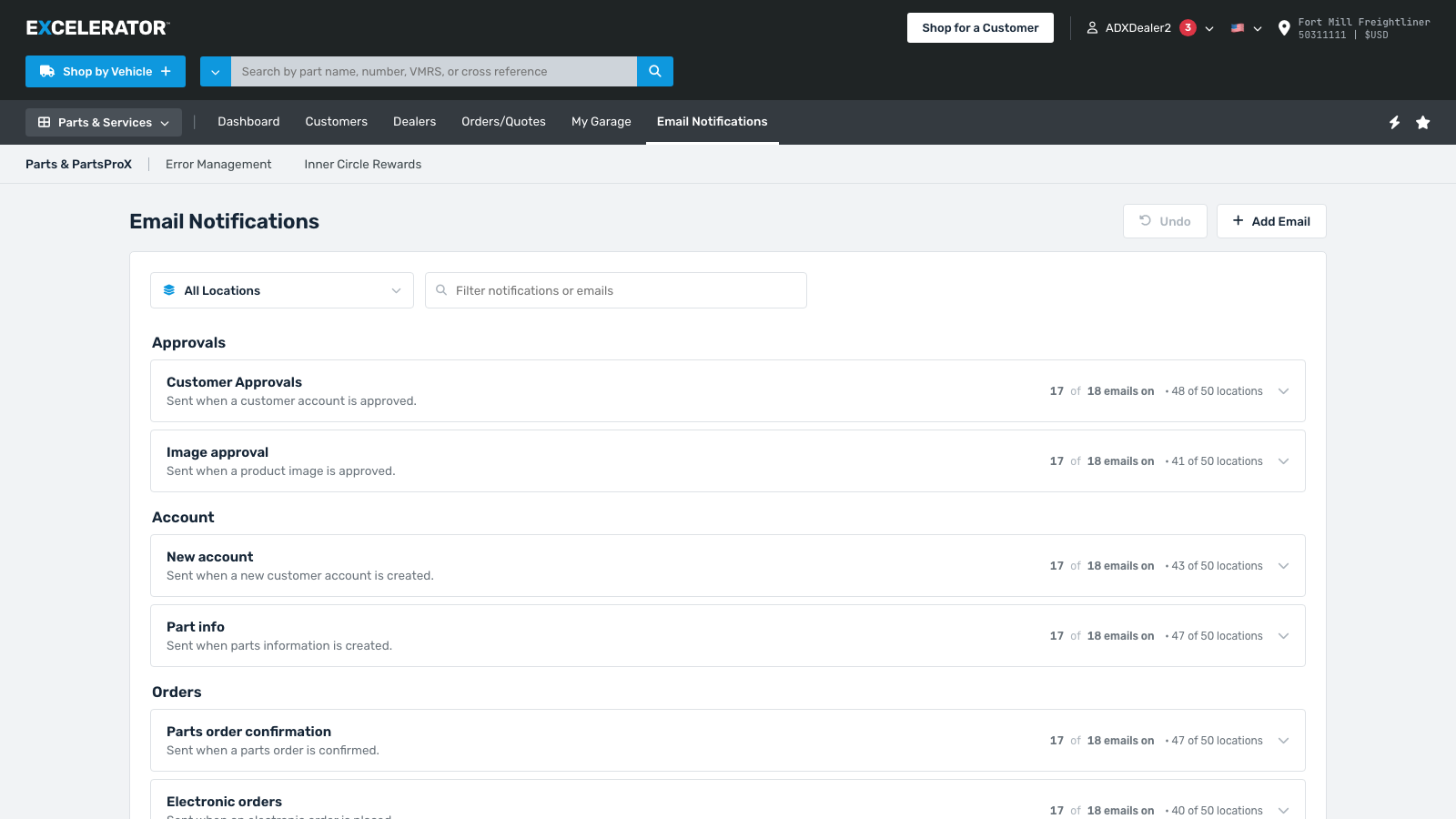
One upload, one review, one confirmation. The unmatched rows stay on the receipt, so next quarter’s upload starts from a corrected list.
A dialog that would have shown up 25 times
One rule in this flow: you can’t buy a premium add-on without a Connect Core base package of the same length. If you pick Fuel Analytics for a truck without Core, a dialog tells you we’ll add the cheapest Core package to match and asks if that’s okay.
The business wanted that dialog for every VIN it applied to. For one truck, fine. For an upload of 25, it’s the same question 25 times, and each one is a chance to give up.
I didn’t want it to go to the dev queue like that, so I added a checkbox to the dialog that applies your answer to the rest of the upload. The rule still holds, and nobody gets Core added without being told. The customer just decides once whether to be asked again.
Every VIN that qualifies gets the dialog. That is what was asked for.
- 1EDGVERGRTRB09565no core
- JU7GYT90PLKI8765no core
- RFV56TGB7YHN8UJMIno core
- AZQ12WSX3EDC4RFVBno core
- WSX23EDC4RFV5TGBYno core
- MNH78UJM9IK80LP0no core
- WSX34EDC5RFV6TGBYno core
- EDC45RFV6TGB7YHNUno core
- VFR45EDC6WSX7ZAQWno core
- NJH78UJM34KI8L09Pno core
- TRE23WSX4EDC5RFVBno core
- KJH89GFD34DSA7P0Ino core
- FVG67HYJ23KIU8LP0no core
- BGT56YHN12UJM3KL0no core
- LW078QAZ21XSE9CDVno core
- PLM09OKN8IJB7UHV6no core
- QAZ11WSX2EDC3RFV4no core
- HGF54DSA3POI2UYT1no core
- CDE33RFV4TGB5YHN6no core
- ZXC22VBN3MLK4POI5no core